
Appointments are crucial when calculating your schedule. You now have the option of scheduling appointments flexibly within a week instead of just on a fixed day. In addition, appointments are prioritized depending on their flexibility.
Appointments flexible in the week
Are you familiar with this? You have agreed with a customer to visit them in a certain week, but until now you had no way of creating a flexible appointment for the week. Instead, you had to create an appointment at a specific time or an appointment “flexible on the day”.
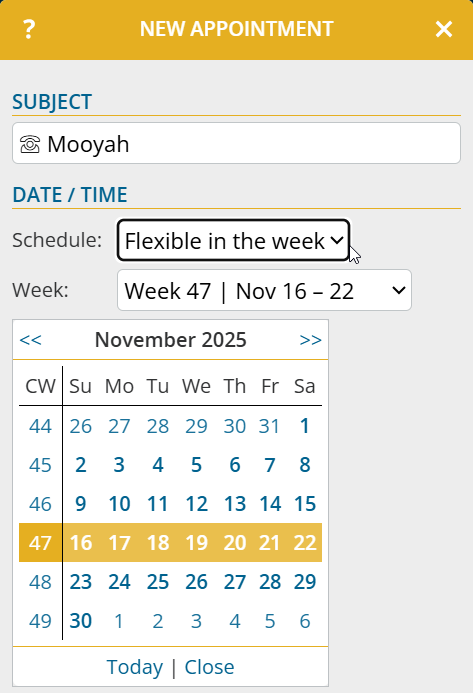
You can now create an appointment “flexible in the week” for a customer as follows:
- Open the customer detail page and click on “New appointment“
- At Schedule, select the option “Flexible in the week” and then the desired calendar week from the list or via the calendar
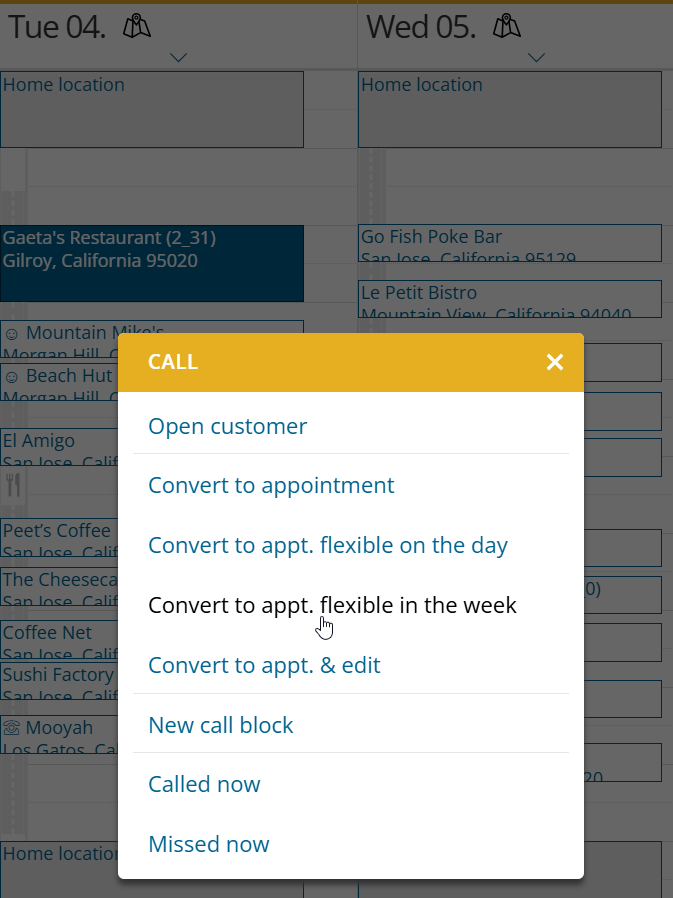
Call suggestions and existing appointments can also be converted into appointments flexible in the week:
- Open the context menu of an entry at calendar or schedule
- Click on “Convert to appt. flexible in the week“
Appointments flexible in the week will be included in the next schedule calculation within the selected week, taking into account your working hours and customer opening hours.
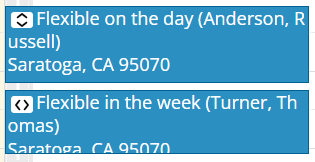
For better differentiation, appointments flexible in the week and on the day are marked with corresponding symbols.
Note: This function is not yet available if portatour® is connected to Dynamics CRM as the data source system.
Appointments prioritized according to flexibility
If appointments with different flexibility conflict with each other or not all appointments can be accommodated in the schedule, the following prioritization will apply in future:
- All-/Multiday appointments
- on time planned appointments
- Appointments flexible on the day and appointments with leeway
- Appointments flexible in the week
Reservations and call suggestions are still prioritized lower than appointments.