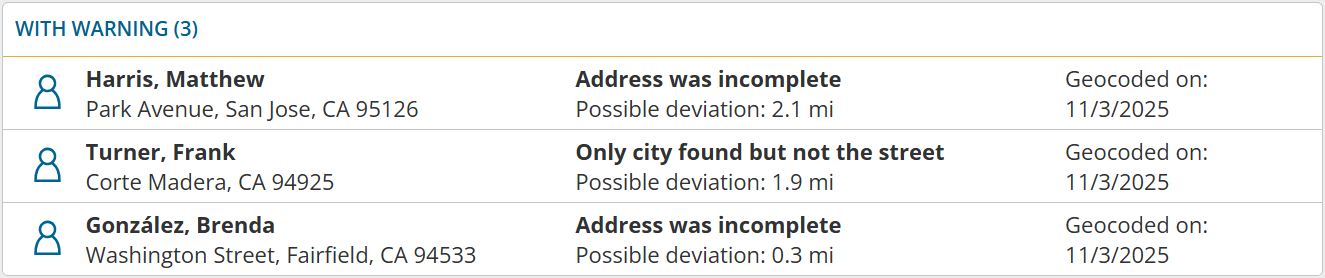
Have you ever had a geocoding warning but no idea what impact it could have on your schedule? Now you can get more details: Geocoding warnings now include the possible geographical deviation.
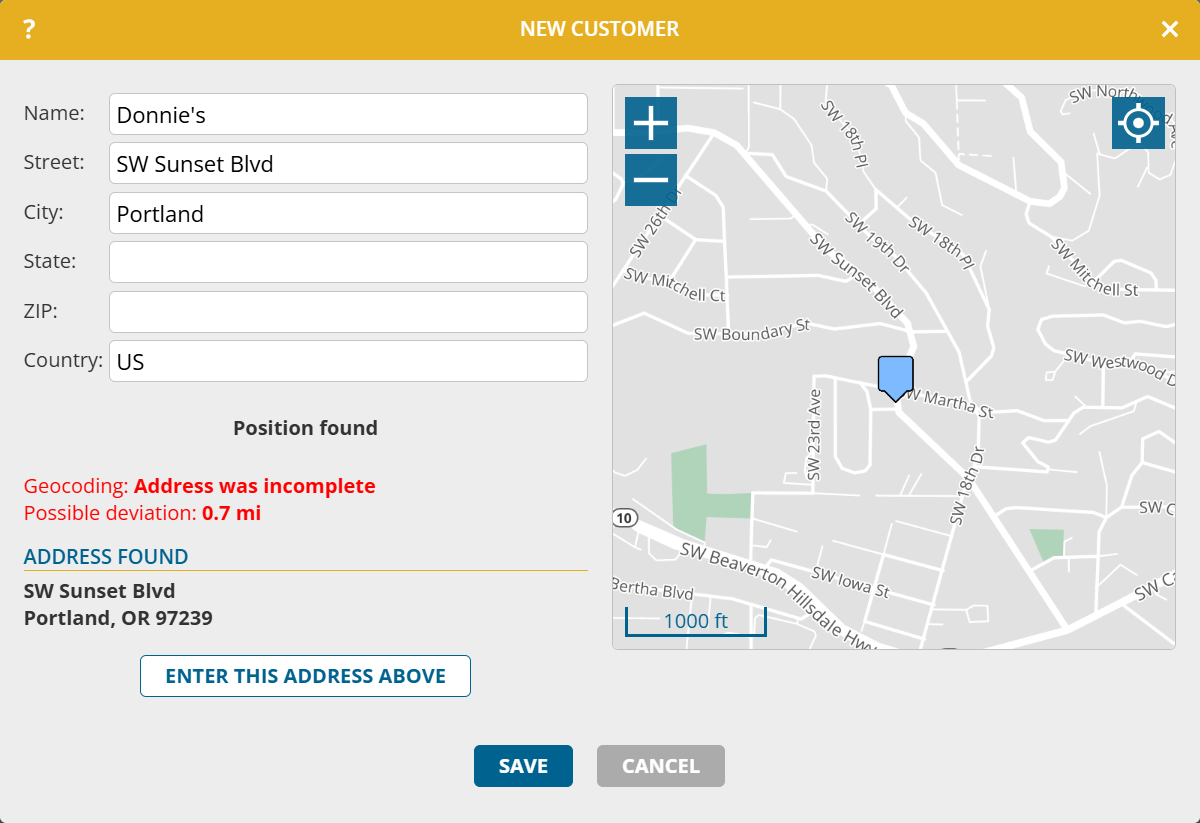
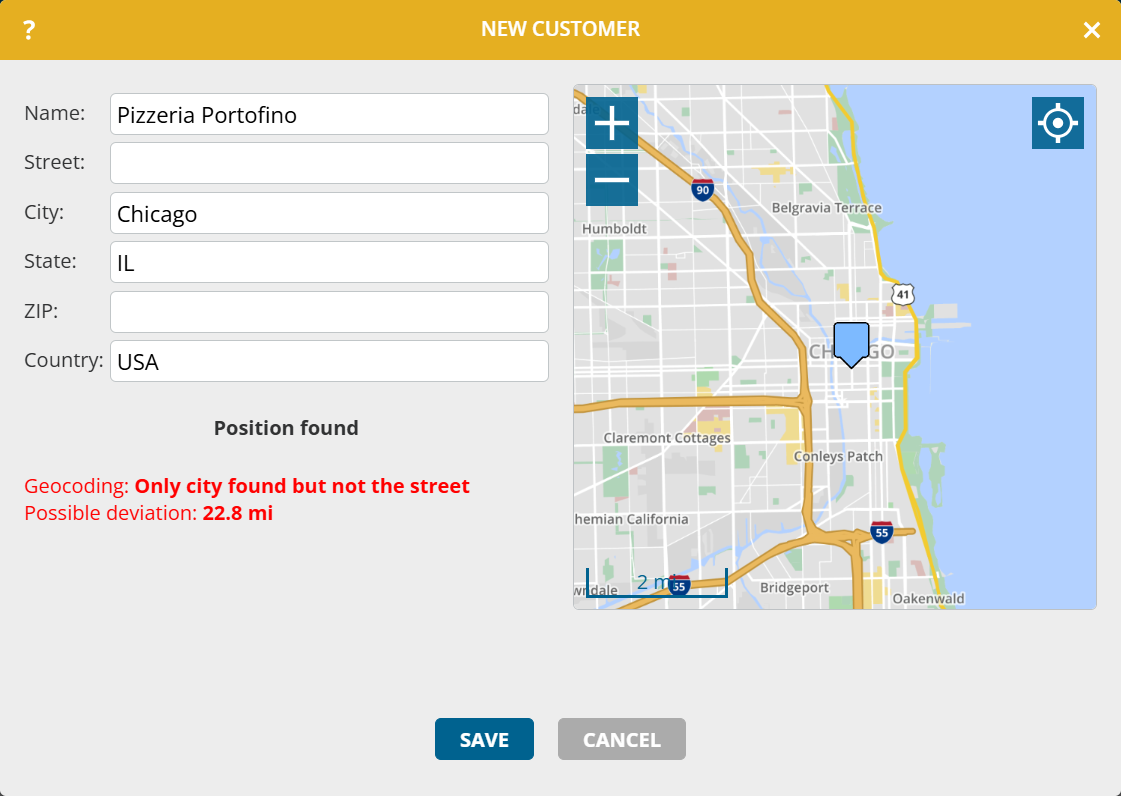
This potential deviation is now also determined during automatic geocoding as part of an import and displayed on the geocoding page.
- Open the main menu and select geocoding
- If you do not yet see a deviation in the geocoding warnings, click the button Geocode problematic addresses again
The warning list is sorted according to the possible deviation. Work through the list from top to bottom.